Your Photos library as a tidy archive.
Glimvo backs up every photo and video from Photos and iCloud into folders of your choice – fast, robust and private. With albums, favorites, places, on-device AI and built-in verification.


How it works
- 1
Choose
Whole library, albums or a selection – with filters for time range and categories.
- 2
Organize
Pick a destination, set folders and file names – the preview shows the result instantly.
- 3
Back up
Start the export, Glimvo does the rest – and from then on automatically if you like.
A look inside Glimvo
Click an image to see it full size.


Everything a photo archive needs
Export
Your whole library
Every photo and video in original quality – including originals that only live in iCloud. Or just specific albums or your own selection.
Precise filters
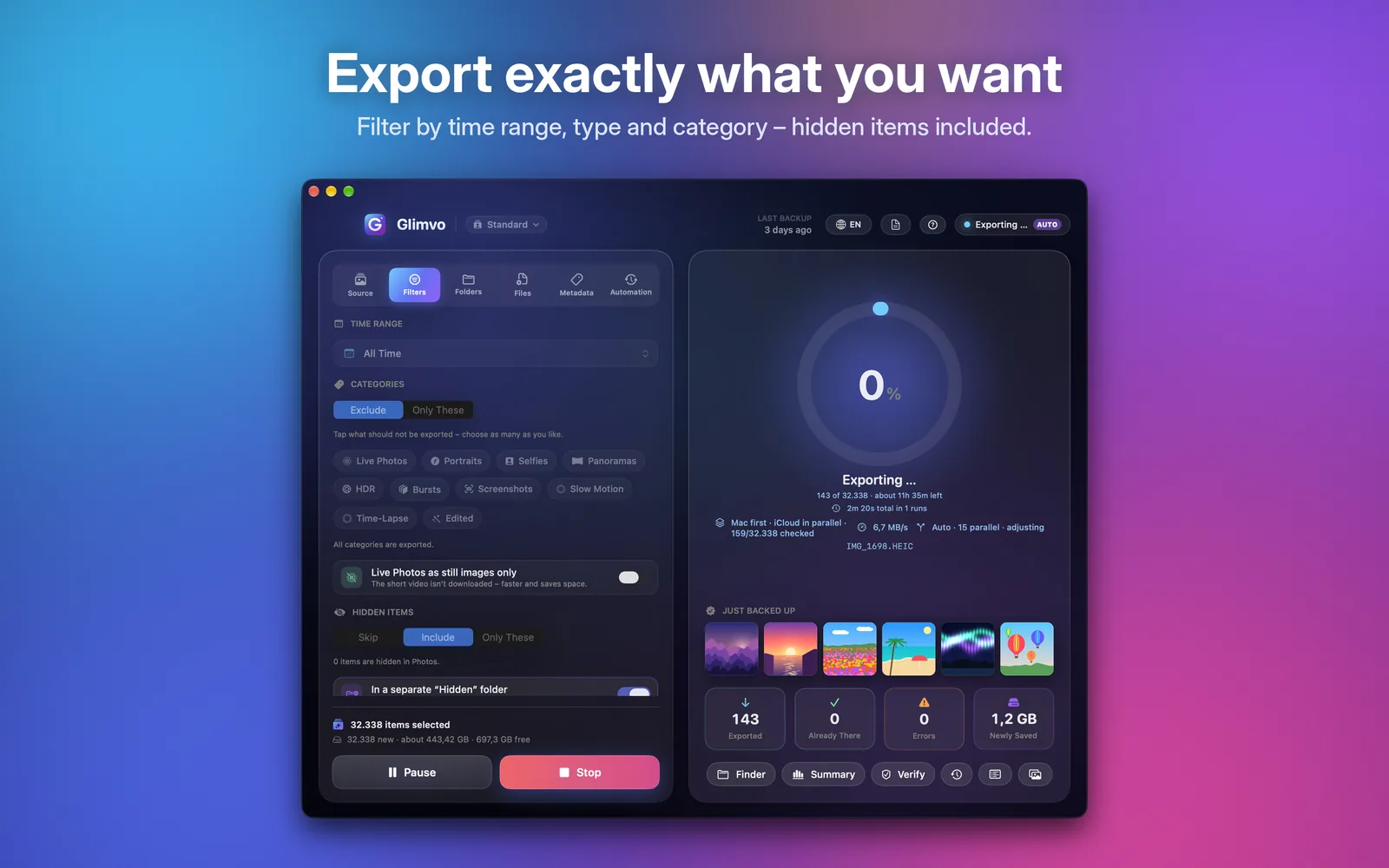
Time range, photos only or videos only, and include or exclude categories like Live Photos, portraits, selfies, panoramas, HDR, bursts, screenshots, slow-mo, time-lapse or edited items.
Live Photos & edits
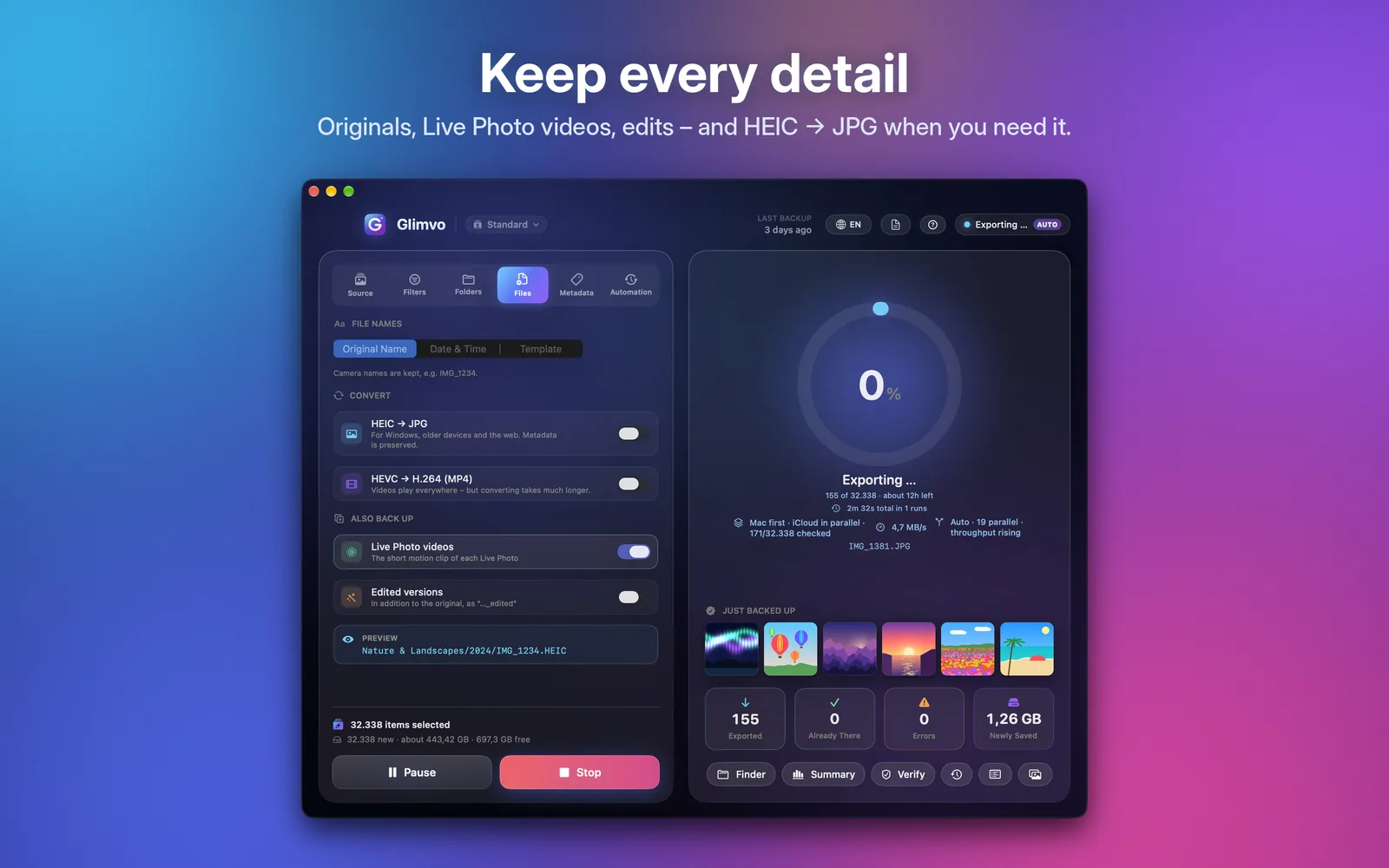
Back up the short Live Photo videos or just the still. Edited versions in addition to the original as “…_edited”.
Convert when needed
HEIC → JPG and HEVC → H.264 (MP4) for Windows, older devices and the web – metadata is preserved.
Hidden items
Skip, include or export only those – optionally in a separate “Hidden” folder.
Organization & metadata
Folders your way
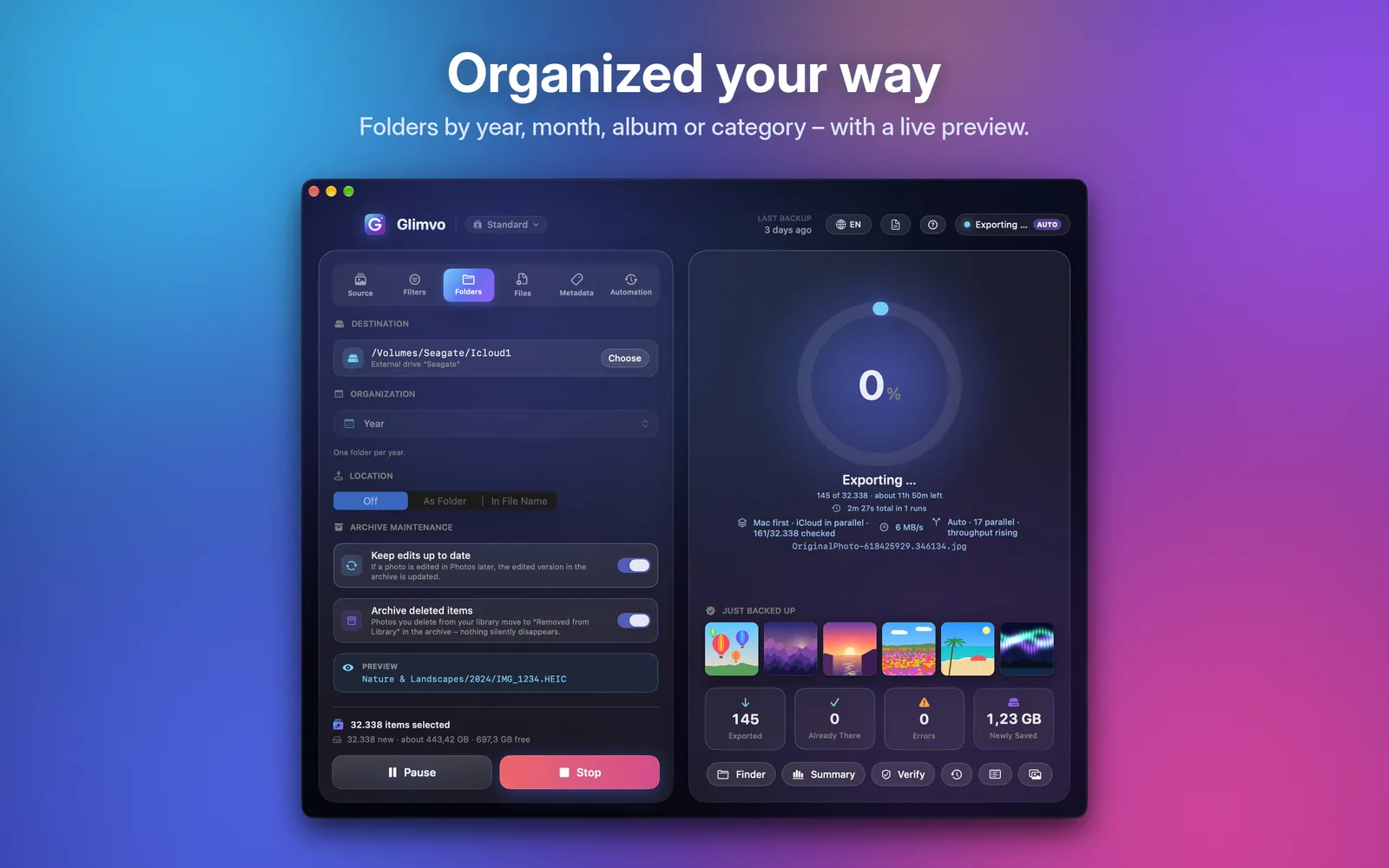
By year, month, day, album or AI category – with a live preview of the path before you start.
File names
Original camera name, date & time or your own template. Optionally with place names.
On-device AI keywords
Apple’s Vision technology recognizes beaches, animals, food, buildings and more and sorts into eleven categories like “Nature & Landscapes” or “People” – entirely on your Mac.
XMP, Finder tags & info
Albums, favorites, keywords and edits as XMP sidecars and Finder tags – readable in Lightroom, Capture One, Bridge and more.
Archive maintenance
Photos edited later are updated in the archive. What you delete from the library moves to “Removed from Library” – nothing silently disappears.
Speed & reliability
Mac first, iCloud in parallel
Whatever is already on your Mac is copied right away – while iCloud downloads run in parallel in the background.
Automatic parallelism
Glimvo continuously measures iCloud throughput, latency and stalls and adjusts the number of simultaneous downloads by itself.
Never gets stuck
If iCloud doesn’t deliver an item, it is skipped after 30 seconds (adjustable) and caught up later – the export keeps going.
Drive unplugged? No problem
If the destination folder or drive disappears, Glimvo pauses cleanly and resumes automatically as soon as it’s back. Free space is estimated in advance.
Sleep & background
Keeps the Mac awake and online during an export. If it does sleep, the export resumes automatically after waking.
Pause & resume
Stop instantly at any time and continue right where you left off without duplicates – even after a restart.
Control & convenience
Verify your backup
One click checks every file in the destination: missing, empty or damaged? “Catch Up Now” re-exports anything missing.
Summary
Storage per year, shots per month, photos vs. videos, the largest videos – maximizable for the full picture.
History & time left
Every run with duration and data volume – including interrupted ones. Time left is calculated from the real speed and shown calmly.
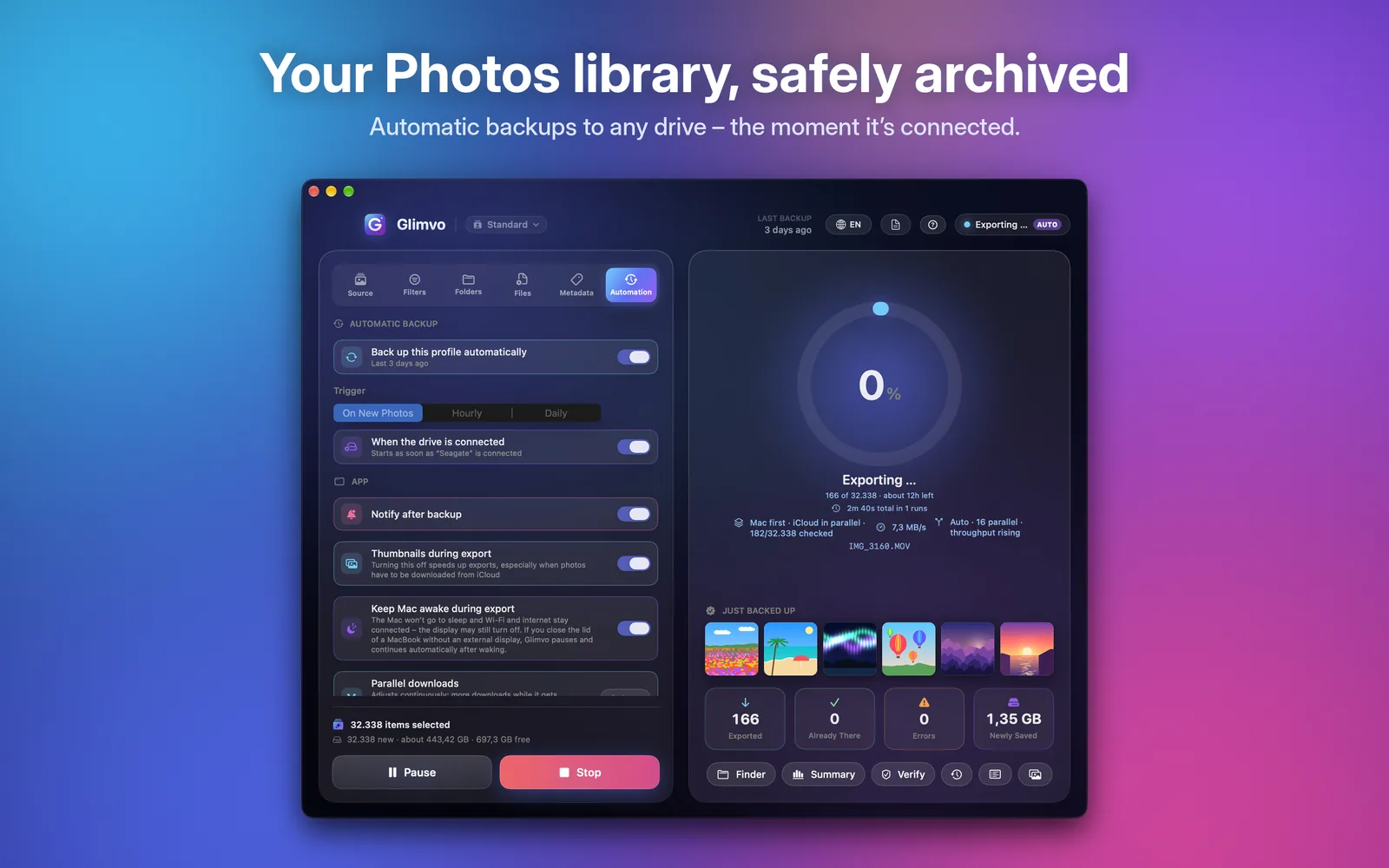
Automatic backup
On new photos, hourly, daily or as soon as the external drive is connected – with a notification afterwards.
Profiles & menu bar
Several profiles with their own destinations and settings. Progress always visible in the menu bar.
Five languages
German, English, Spanish, French and Italian – automatic or chosen right in the app.
Private by design
No account, no tracking, no ads, no analytics. Your photos only go where you want them – your destination folder. Image recognition runs with Apple’s Vision technology right on your Mac.
- No data sent to us
- AI fully on-device
- Apple App Sandbox
- GDPR compliant
Frequently asked questions
Do I need an account or a subscription?
No. Glimvo works without an account or sign-in. Purchase and updates are handled by the Mac App Store.
Are my photos uploaded anywhere?
No. Glimvo copies only to the folder you choose. AI analysis runs locally on your Mac; we never receive any photos or data from it.
What about photos that only live in iCloud?
macOS downloads the originals through iCloud Photos and Glimvo saves them. For maximum speed, choose “Download Originals to this Mac” in Photos › Settings › iCloud.
What if the export is interrupted?
No problem: on the next start Glimvo continues exactly where it stopped and skips everything already saved. Use “Verify” to check the archive at any time.
What do errors after a run mean?
Usually iCloud didn’t deliver some items at that moment. Click “Verify” and then “Catch Up Now” – or simply run the export again later.
Which drives can I use?
Any folder on your Mac, external SSDs and hard drives, USB sticks and network drives. Glimvo estimates the required space in advance.
What are the system requirements?
macOS 14 Sonoma or later, Apple silicon or Intel, and access to the Photos library.
Back up what matters to you – now.
Glimvo for macOS 14 or later – available on the Mac App Store.